Walls of light,
built from the dark.
Nightwalls is the local-first AI security monitor for the cameras you already own — honest about its limits, awake when you’re not.
Free
open-source first
BYOK
Gemini · OpenRouter
Local
SQLite history
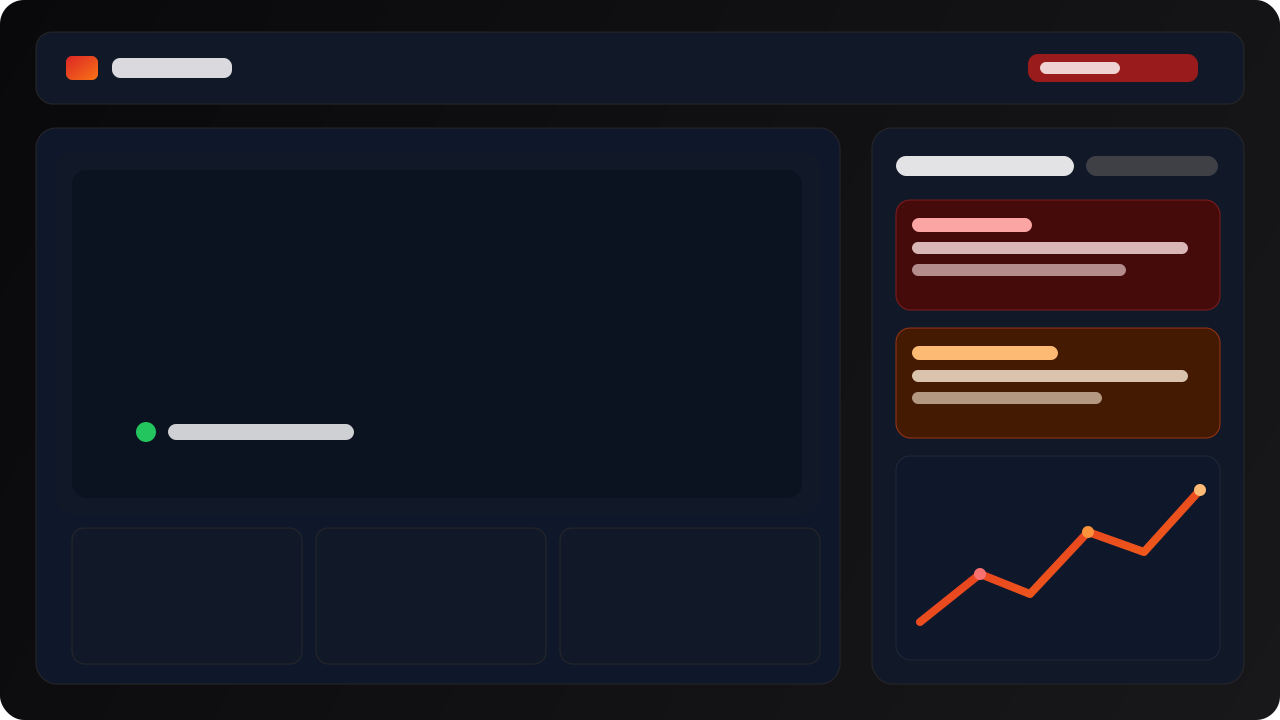
Live · 3 cameras · zone:driveway · 22:14:07
Early Access
AI-powered security that never misses what matters.
Be the first to get Nightwalls. No credit card required.
What it does
A perimeter that pays attention.
Nightwalls samples webcam frames or local snapshot endpoints, applies motion and zone rules, then asks your AI provider whether the scene needs you.
AI vision, motion-gated
Gemini and OpenRouter classify intrusion, violence, theft, and fire — with motion gating, zone scoping, and cost-aware sampling.
Webcam + local IP snapshots
Works with the cameras already on your wall. HTTP snapshot endpoints today; ONVIF discovery is best effort.
Quiet alerts, on your channels
Review alerts in the app, then route Telegram, ntfy.sh, or webhooks. Acknowledge, snooze, or mark false positives.
Local-first by default
Frames stay on your machine. Zones, costs, snapshots, and alert history live in a SQLite file you own.
Your frames stay on your machine.
Nightwalls v0.1 is intentionally simple: run locally, store locally, and use your own AI provider account.
Local app by default
The dashboard, polling loop, and AI calls run on your machine. Alert data and snapshots live in a local SQLite database.
Bring your own key
Use your own Gemini or OpenRouter account. We don't resell, throttle, or sit between your cameras and the model.
Reviewable history
Status, snapshots, zones, schedules, and cost records stay with you — for review, audit, or honest debugging.
v0.1 is not an enterprise compliance product — it gives operators local records they can defend.
How it works
Bring a key. Draw a zone. Sleep better.
Set up with a webcam or a local snapshot endpoint. No specialised hardware required.
Connect your cameras
Use a webcam or add an HTTP snapshot URL. ONVIF discovery helps find local cameras; RTSP endpoints are stored for reference.
Configure your rules
Set zones, schedules, your provider key, sensitivity, and optional alert channels — all from the app.
AI watches when you don't
Nightwalls samples scheduled frames, classifies events, and stores the history with snapshots, status, and cost.
v0.1 scope
Open-source first.
v0.1 is free and focused. Paid plans and team controls are roadmap items.
Nightwalls v0.1
Open-source first launch scope
- Webcam and local IP snapshots
- BYOK Gemini / OpenRouter
- Zones, schedules, alert history
- Telegram, ntfy, webhook delivery
Roadmap
Not promised in v0.1
- RTSP live preview / decode
- Recording and playback
- Cloud camera integrations
- Paid plans and team controls
Awakewhen you’re not.
Try the macOS beta or run the web app locally from source. Verify the release artifact before public distribution.
Latest signed beta via nightwalls-releases.moklabs.io
System requirements
Want updates beyond v0.1?
Join the waitlist for RTSP live preview, recording, packaged releases, and camera integration updates.
No spam. Unsubscribe anytime. We respect your privacy.